
Regear pipeline overview
A regear is the guild paying you back for gear you lost in a death (or items you burned in an Overcharge). AO Master's pipeline runs end-to-end inside the app — submit, review, approve, deliver — and it has two delivery modes that share the same submit-and-approve front half, then split at delivery.
This page is the gateway. Read this first; the mode-specific pages drill in:
- Members — submit a regear (already documented)
- Staff — review + approve / reject
- Item mode — cut-off + locker
- Silver mode — payout from Silver Bank
- Member Regear Report (admin view)
The shared front half (modes 1-2)
The first half is identical regardless of mode:
- Member submits via
#Request Regear(the deaths tab, or the overcharge tab). The member picks the war role they were running; AO Master compares their lost equipment against the role's loadout and flags any per-slot validation issues (under-tier, over-tier, invalid). - Staff reviews in
#Review Requests. Per-slot validation is shown; staff sees an Approve / Reject / Archive action per request. The "primary" green action button is mode-dependent — see below.
That's the universal flow. Validation policy (auto-reject vs allow vs staff-decision per issue type) is set per-guild in Settings → Regear Policy.
The mode bifurcation
Every guild picks one regear payout mode. The setting lives at Settings → Regear Policy → Mode. Four values:
| Mode | What gets delivered | When to use |
|---|---|---|
| Item return | Staff packs the items back into the member's locker. Cut-off Task channel manages the packing queue. | Classic flow. Works without Item Price. |
| Silver — Sum by Item Price | Credit = sum of each lost slot's silver price (live from the Albion Online Data Project market feed). | You want full-loss reimbursement priced from live market data. Requires Item Price ON. |
| Silver — War Role — Fixed cap | Credit = the war role's flat silver cap, regardless of actual loss. | You want predictable per-event payout. Caps guild's payout exposure. |
| Silver — War Role — Capped by actual | Credit = the smaller of (actual item-price sum) or (the role's silver cap) — pays actual loss but never more than the cap. | Best of both: never overpay, but member gets exact compensation for smaller losses. |
All three silver modes require Silver Bank ON AND Item Price ON (toggles in Settings → Systems). The Regear Policy hub surfaces a Requirements card listing what's missing + offers one-click enable.
One rule, not four
Originally Item Price was only required by the "Sum by Item Price" mode. TK locked the rule at any silver mode requires Item Price ON to keep the explanation simple. Three checkboxes < four-cell matrix.
Where the mode is picked
/welcome → ⚙️ next to the guild name → Regear Policy tab → Mode dropdown.
A second dropdown appears underneath when you pick Silver payout — that's the Silver Mode picker with the three sub-options (Sum by Item Price · War Role — Fixed cap · War Role — Capped by actual). Picking either War Role sub-mode reveals a Set War Role Caps button that opens a sub-modal for the silver cap per role (also editable on Settings → War Roles).
The split — what happens after Approve
Same submit + same review for both modes, but the green action button on the review screen swaps label and behaviour:
Item mode — Create Cut-off Task
Staff approves the request → it enters the Cut-off Task queue in #Cut-off Tasks. A packer claims the task, uses the Pick Checker to verify they pulled the right items from the guild chest, marks the task delivered, and the items land in the member's locker.
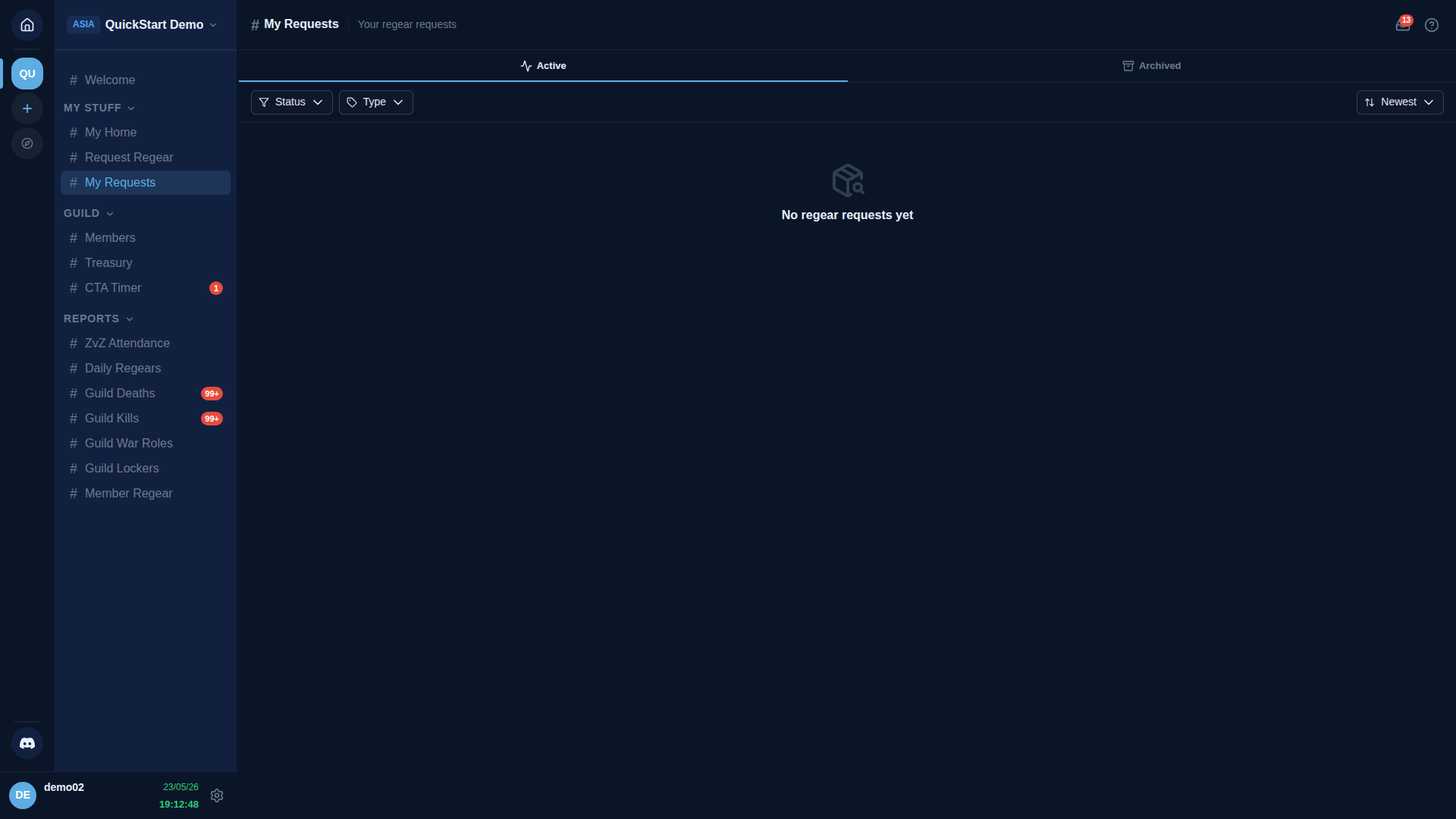
The member sees the progress in #My Requests step-by-step: Submitted → Approved → Cutoff → Prepared → Delivered.
Full detail: Item mode — cut-off + locker. The Cut-off Tasks channel is hidden from the sidebar when the guild is in silver mode (no Cut-off in that mode).
Silver mode — Payout
Staff approves the request → it enters the approved-but-unpaid state. Staff can:
- Pay one — click
Payouton the row → credit lands instantly in the member's Silver Bank balance. - Pay many — multi-select approved rows + click
Payout→ batch credit (e.g. weekly payday).
The split into "approve" + "pay" is deliberate — same as Stripe / payroll / PayPal. It gives staff a reversal window: if you spot an error between approval and payout, reject the row before money moves. No compensating ledger entries needed.
The member sees the progress in #My Requests as: Submitted → Approved → 💰 Credited X silver.
The credit lives in the member's Silver Bank wallet (#Silver Bank → My Home) until they request a withdrawal — that's a separate staff-handled flow.
Full detail: Silver mode — payout from Silver Bank.
Lifecycle states
The status badge on #My Requests and #Review Requests walks through these states (different modes show a different final state):
| Badge | Set when | Mode |
|---|---|---|
| Pending | Member submits | both |
| Approved | Staff clicks Approve | both |
| Delivered | Packer marks the cut-off task delivered | item only |
| Received | Member clicks Received on the row in #My Requests | item only |
| Paid | Staff clicks Payout (silver lands in the member's Silver Bank wallet) | silver only |
| Archived | Member archives, or auto-archive after the retention window | both |
| Rejected | Staff rejects with a reason | both |
Pending requests are mode-agnostic by design — they don't care which delivery mode is active right now. They only commit to a mode once approved, so switching modes never strands a pending request.
Switching modes on a live guild
You can switch mode any time in Settings → Regear Policy → Mode. AO Master blocks the switch if:
- Any approved-but-unpaid silver request exists (must Pay them first — mode-leaving-silver state).
- Any unresolved cut-off task has unpaid packing work (must Finish the task first — mode-leaving-item state).
A toast surfaces the count + deep-links to the affected list ("Pay 3 pending payouts before switching" / "Finish 2 cut-off tasks before switching").
Pending requests are NOT cleared by a switch — they're mode-agnostic. New approvals after the switch use the new mode. Silver Bank balances are NEVER cleared by a mode switch — the bank is a persistent ledger independent of regear mode. Members can keep accumulated silver and withdraw it whenever, even if you flip back to item return.
Overcharge sits next to regear, not below it
Overcharge (OC) is a separate request type for items consumed (not lost in a death) — typically food, potion, siphon-related items the member burned during an event. OC has its own tab in #Request Regear ("Overcharge") and its own permission ("Request Overcharge").
OC silver payout always uses Sum-by-Item-Price logic, regardless of which silver sub-mode the guild picked. War-role caps don't apply to OC because OC is per-item, not per-death. Under the silver-mode rule (Item Price ON), OC silver payout is automatically available whenever the guild is in any silver sub-mode.
OC in item mode: items consumed are returned via the same cut-off + locker path as death regear.
Permissions at a glance
Read Permissions reference for the full permission list. Regear pipeline gates:
| Action | Permission (label as shown in Edit Role → Permissions) |
|---|---|
| Submit a death regear | Request Death Regear |
| Submit an overcharge | Request Overcharge |
| Review + approve / reject | Approve Regear Requests |
| Pack a cut-off task (item mode) | Claim Cut-off Tasks |
| Supervise cut-off tasks | Supervise Cut-off Tasks |
| Manage lockers | Manage Lockers |
Members can always see their own deaths + requests + locker via the two member self-service permissions above — there is no separate "view own deaths" toggle.
What's next
- For the submit side: Members — submit a regear
- For the review side: Staff — review + approve / reject
- For item-mode delivery: Item mode — cut-off + locker
- For silver-mode delivery: Silver mode — payout from Silver Bank
- For the audit-side: Member Regear Report