
Member Regear Report (admin view)
#Member Regear is the per-member regear ledger — for each member of the guild, how many regears the guild has delivered to them and (when silver mode + Item Price are on) how much silver / item value that worked out to. Open it under REPORTS → Member Regear.
Use this report to spot members who are regear-heavy (might be running content that doesn't justify the cost, or just dying a lot in legitimate ways), to audit per-member spend against the guild treasury, or to feed an out-of-band review.
Permissions
Visibility is controlled by Settings → Reports Visibility → Member Regear. Default for new guilds is Everyone can see. Set it to a specific role to restrict visibility to staff.
What's on the tab
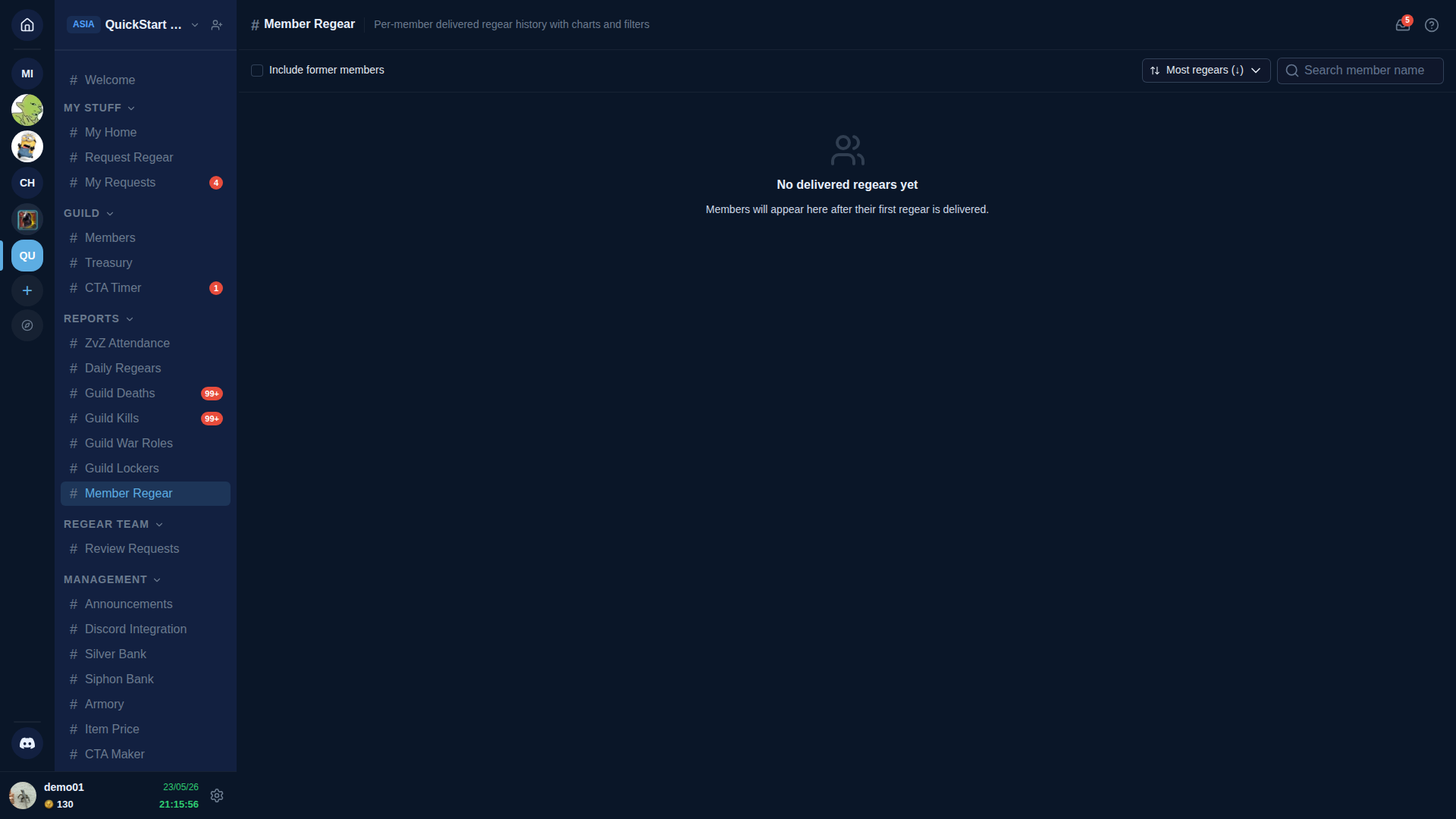
The toolbar across the top:
- Include former members checkbox — by default the report shows current members only. Tick to also include people who've since left or been kicked (useful for full-history audit).
- Sort dropdown — Most regears (default) / Fewest regears / Most silver / Most recent. The sort applies to the member rows below.
- Search input — filter by member display name.
Below the toolbar, each member row shows:
- Member avatar + display name + (when linked) Albion character name.
- Total regears delivered — count of approved + delivered requests.
- Silver totals — sum of credit_silver (Sum by Item Price mode) or sum of the role's Silver Cap (War Role modes). Only visible when Item Price is enabled (Settings → Guild Systems). When Item Price is off, this column hides entirely.
- Last regear — when their most recent delivery was.
Click a row to expand into a per-request timeline + sparkline chart of that member's regear cadence over the last 90 days.
Empty state vs populated
A guild with no delivered regears (item mode → no completed cut-off tasks; silver mode → no paid payouts) shows the empty state — "No delivered regears yet, Members will appear here after their first regear is delivered." The screenshot above shows this state on QuickStart Demo because the seeded test requests are in Paid status but not yet Received.
Once you deliver / receive a few real requests, members start appearing as rows.
Silver columns are gated on Item Price
The silver / value columns rely on the price snapshots that get captured at approve-time on each item. Without Item Price ON, those snapshots never get captured and the columns have nothing to display — so they hide. To turn them on, enable Item Price on Settings → Guild Systems and re-approve any pending requests (the snapshot is taken at approve, not at view).
Filtering by date
The expanded per-member view has a date-range picker for "regears delivered between X and Y". Useful when you want to compare quarters, or check spend during a specific war.
Cross-links
- Regear pipeline overview — what gets counted as a "delivered regear".
- Daily Regears report — the guild-wide daily-aggregated complement.
- Settings → Reports Visibility — change who sees this report.
- Settings → Guild Systems — toggle Item Price on for the silver columns.