
Item Price + market data
The Item Price system caches silver prices for items the guild cares about. Open the channel from the sidebar under MANAGEMENT → Item Price.
Prices are pulled from the Albion Online Data Project's public market feed (a community-maintained scrape of in-game market orders, refreshed on a schedule). Each item the guild adds to the focus list gets its price kept fresh; items not on the list never get fetched.
Item Price is one of the opt-in systems — turn it on in Settings → Guild Systems first. Once on, it powers:
- Silver Regear payouts (any sub-mode — see Silver mode — payout).
- Member Regear Report silver totals.
- Daily Regears silver totals.
- Cut-off Task value snapshot (the total silver value of a packing run).
- Armory total value view.
Permissions
- View Banks, Armory & Item Price — see the focus list + prices.
- Manage Banks, Armory & Item Price — add / remove focus items, override prices.
The 2 tabs
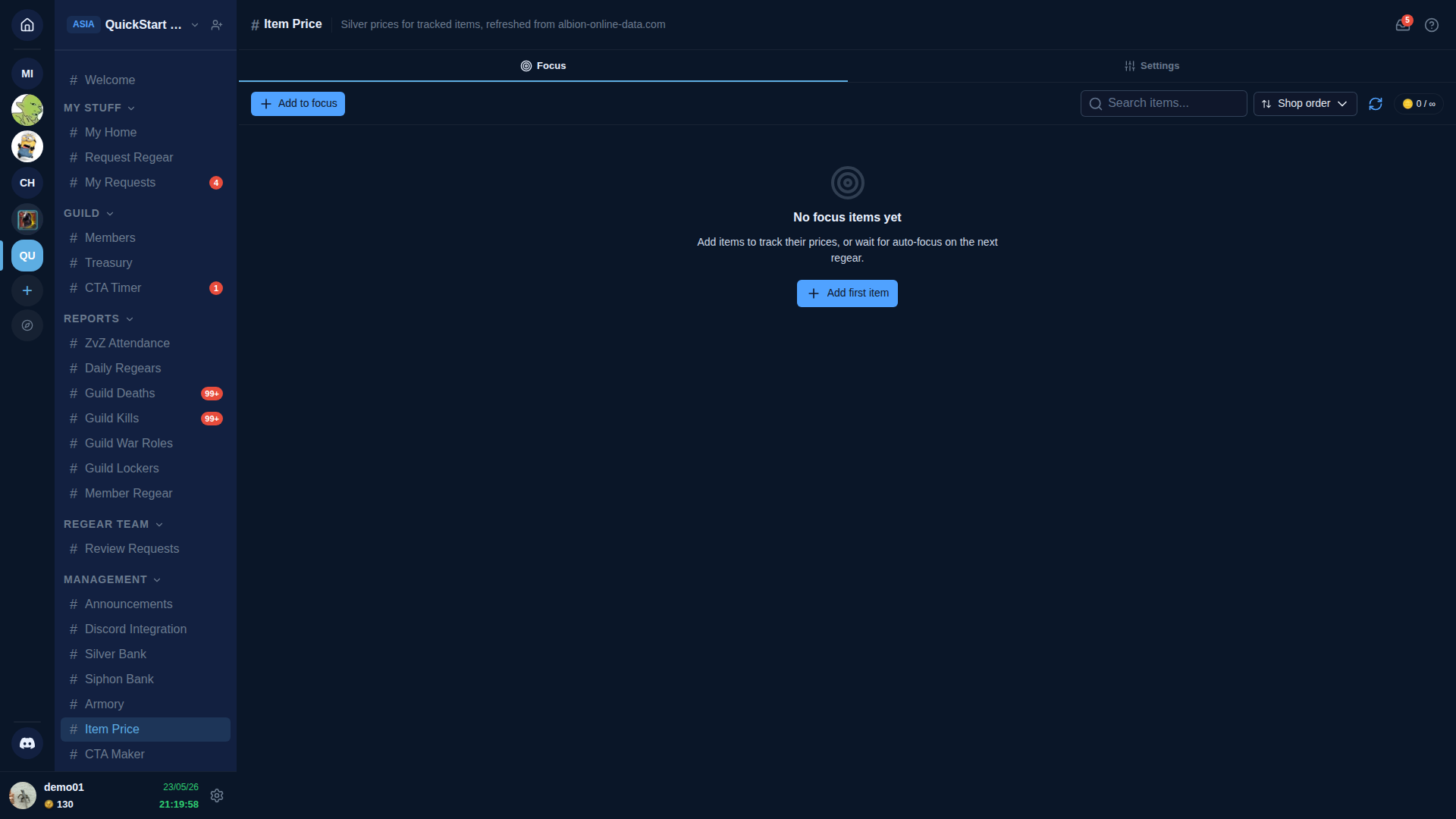
Two tabs: Focus (the watched-items list) + Settings.
Focus tab
The list of items the cache currently tracks. Each row shows:
- Item image + name + tier.
- Current price — most recent market data point in silver.
- As of — when the cache was last refreshed for this item.
- Override — staff-set price that overrides the market value for this item (useful when your guild has a crafter deal cheaper than market).
The toolbar:
- + Add to focus — pick an item from the catalogue.
- Search — filter the focus list.
- Sort — Shop order (default — groups by Albion shop category) / By name / By price.
- Refresh — manually force a re-fetch.
- Quota indicator — your tier's focus-list cap (e.g.
0 / ∞on the demo).
Auto-sync from War Role Loadouts
The fastest way to populate the focus list is Settings → Regear Policy → Sync from War Role Loadouts — toggles the auto-sync flag so every item required by any war role's loadout is automatically added (and removed when the loadout changes). See Settings → Regear Policy for the deep-link.
Auto-focus on regear
When a member submits a regear request for an item not on the focus list, the cache adds it automatically (subject to your tier's quota). The next refresh fetches a price; until then, the item shows a "no price yet" placeholder anywhere it's referenced.
Settings tab
- Refresh cadence — choose how often the cache refreshes (hot / normal / cold). Defaults to a 24h / 72h / 168h tiered cadence; higher subscription tiers can override.
- Auto-sync from war roles — the toggle behind the Sync button above.
- Auto-focus on regear — the toggle behind the auto-add-on-regear behaviour.
- Override entry policy — who can set a per-item override (staff with Manage Banks always can; you can also grant other roles).
How prices are computed
The cache stores a normalised silver value per (itemBaseName, tier, enchant) triple. For each refresh cycle:
- Pull the latest market data for items on the focus list.
- For each item, the price uses the cheaper of (item's own market) or (a related-item fallback if the market has zero data) — this fallback gracefully handles items with thin market depth.
- Stale data points (older than a week) are de-weighted; items with no market history at all show as No data.
- Staff overrides always win — when set, the override is the price.
Cross-links
- Settings → Guild Systems — toggle Item Price on / off.
- Settings → Regear Policy — auto-sync + the Setup Checklist row that surfaces the dependency.
- Silver mode — payout — the biggest consumer.
- Member Regear Report — silver columns gated on this.
- #Item Price channel reference.